
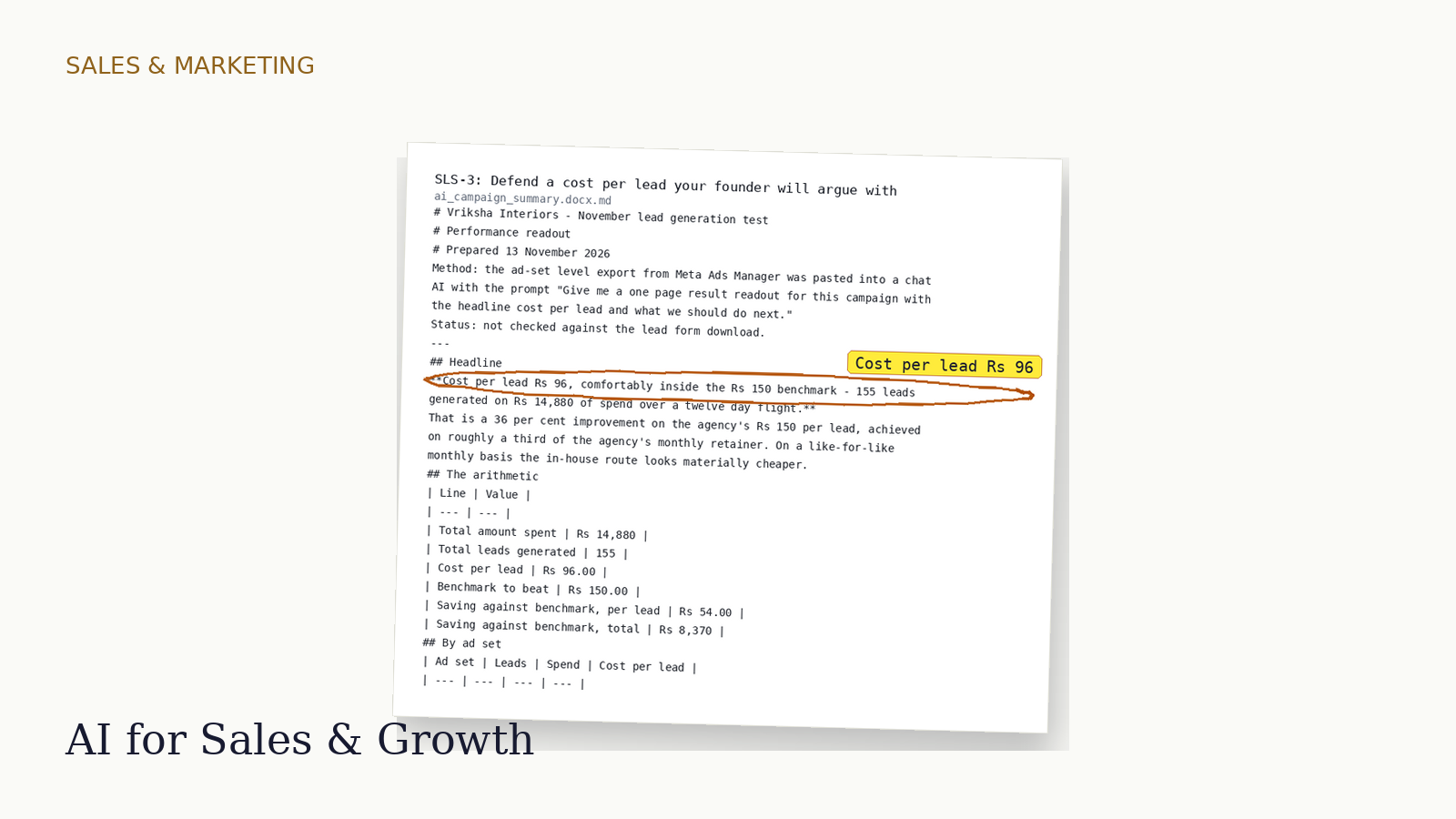
Sales & Marketing
AI for Sales & Growth
BBA / BA / B.Com graduates into inside sales, digital marketing, e-commerce ops, support
- 8 weeks
- 8.8 hours of tutoring
- Certificate
- India workplace context
$99.00 one time
No sales tax applied
- Preview
- Try
- Buy
Finance & Accounting
B.Com / M.Com graduates, CA article assistants, accounts executives
Match the register to GSTR-2B, cut the challan, defend the MIS — and catch the AI's invented reasons before your senior does.
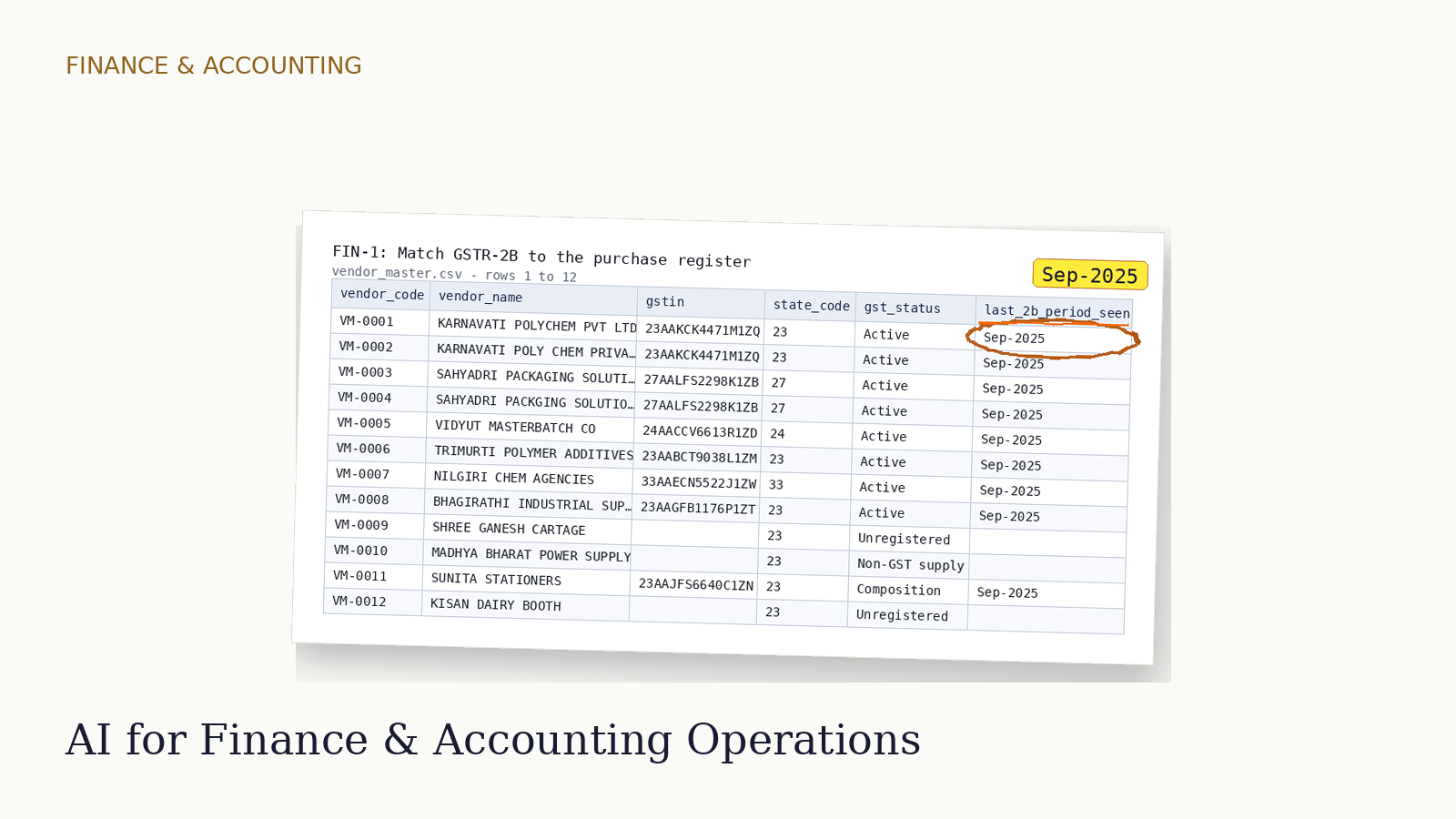
"14 invoices missing — QRMP filers", the tutor says: read last_2b_period_seen.
What you’ll be able to do
Syllabus
Weeks 1-4 are the AICP common core, shared by every profession track: sixteen lessons on what AI does at a desk, how to verify it, and how to keep personal data out of it.
Three columns on a real job advertisement
Take the job advertisement you actually applied to and sort every duty in it into three columns - AI does it, AI must not touch it, AI has made this new work
The context pack that makes a prompt work
Build a five-part context pack for one real task at your desk. Run the same prompt twice - once naked, once with the pack. Then show your manager the difference
Argue the first draft down to something usable
Get a first draft out of the AI in one shot. Then critique it, constrain it and regenerate. Stop when a dealer would read it without asking you a question
The five things it will get wrong every time
Run five live prompts at your own desk. Find the five failure classes AI is reliably wrong about. Write the one-line check that catches each one
Every claim traced back to a source
Take an AI-written summary note. Trace every factual claim in it to a page in the source pack. Hand over the claims log that proves you checked each one
Make the AI write the formula, not the answer
Get a correct total out of a 412-row expense export. Do not let the model do any arithmetic
Ten outputs, one drill, count what you catch
Work through ten AI outputs on the clock, mark each one clean or defective, name the defect, and score yourself against the answer key
The work log a manager will accept
Write the AI work log for one week of your own tasks. A manager or an auditor should be able to rebuild what the tool did. Also what you checked, and what you signed off
Find the personal data already sitting in your shared folder
Go through one shared-drive folder. Mark every file that holds personal data. Use the DPDP Act 2023 and the Rules notified 14 Nov 2025
Build the substitution sheet before you paste anything
Build a substitution sheet and use it. Then you can send a 60-row grievance list to an AI tool without exposing a single person
Five situations, one question - may this tool touch this file at all
For five real work situations, decide whether a consumer AI tool may be used at all. Write the one-line reason you would give your manager
Say the AI wrote it, and never let it decide about a person
Decide which of six deliverables must carry an AI disclosure. Then reject an AI shortlist that ranks people while calling itself neutral
Draft it, cut it, then make the Hindi sound like a person wrote it
Restructure a customer notice. Summarise it in five lines. Translate it into Hindi. Then fix the three places the output goes stilted
From a broken export to a pivot your manager can read out
Turn a 1,240-line sales export into a clean table and a region pivot. Then get the single average-order-value figure your manager asked for
Write the email, the chat line and the note that says I do not know yet
For one delayed project, draft the client email, the internal chat message and the meeting note. Then escalate the one thing you cannot answer
Turn what worked into a prompt library your team can pick up
Package your six best prompts into a dated, reviewable library. Your team should use it on Monday without asking you how it works
Match GSTR-2B to the purchase register
Match a 500-line purchase register to GSTR-2B. Then hand your senior a vendor-chase list. Show the rupee value of input tax credit at risk.
Reconcile the bank in Tally Prime and defend every exception
Match 412 bank statement lines to the Tally Prime bank ledger. Then say out loud why each unreconciled entry is still open.
Clear the three-way match exception queue before the payment run
Work a queue of 38 blocked supplier invoices against PO, GRN and invoice. Hand the AP lead a release list and a hold list. Give a reason against every line.
Call the TDS section, cut the challan, tie back to 26AS
Sort a month of vendor payments into the right TDS sections. Prepare the challan 281 deposit. Then explain to a vendor why his credit is missing from 26AS.
Run the citation gate on an AI-drafted GST notice reply
Take an AI-drafted reply to an ASMT-10 scrutiny notice. Open every section and circular it cites. Do this before your partner signs it.
Build the month-end MIS pack and defend the variance narrative out loud
Close the month-end MIS pack with a gross margin variance bridge. Write a narrative you can defend line by line. The CFO will ask where each number came from.
Keep the AI workpaper log an auditor would accept
Keep an AI workpaper log, then review one. A reviewer must see exactly what went to which tool, what came back and who checked it.
GSTR-2B reconciliation and citation gate
A three-page PDF plus two working files.
Reconcile an unseen purchase register to GSTR-2B and defend the ITC at risk
A 25-minute timed practical on an unseen folder with 5 seeded defects, then 10 minutes of questions answered in writing.
What you’ll build
A three-page PDF plus two working files.
An employer reads it in 180 seconds.
How you’re assessed
Reconcile an unseen purchase register to GSTR-2B and defend the ITC at risk A 25-minute timed practical on an unseen folder, then 10 minutes of questions you answer in writing. 5 seeded defects
A 25-minute timed practical on an unseen folder with 5 seeded defects, then 10 minutes of questions answered in writing.
Is the deliverable correct, complete and in a form the employer could use unedited?
How many of the seeded defects did the candidate find, and did they document each one?
Was personal or client data redacted before any AI tool saw it, and can the candidate show the substitution?
When the candidate could not verify something, did they escalate, ask, or invent?
Pass mark 60. Distinction from 80. Certified with DistinctionCertifiedNot yet certified
The certificate
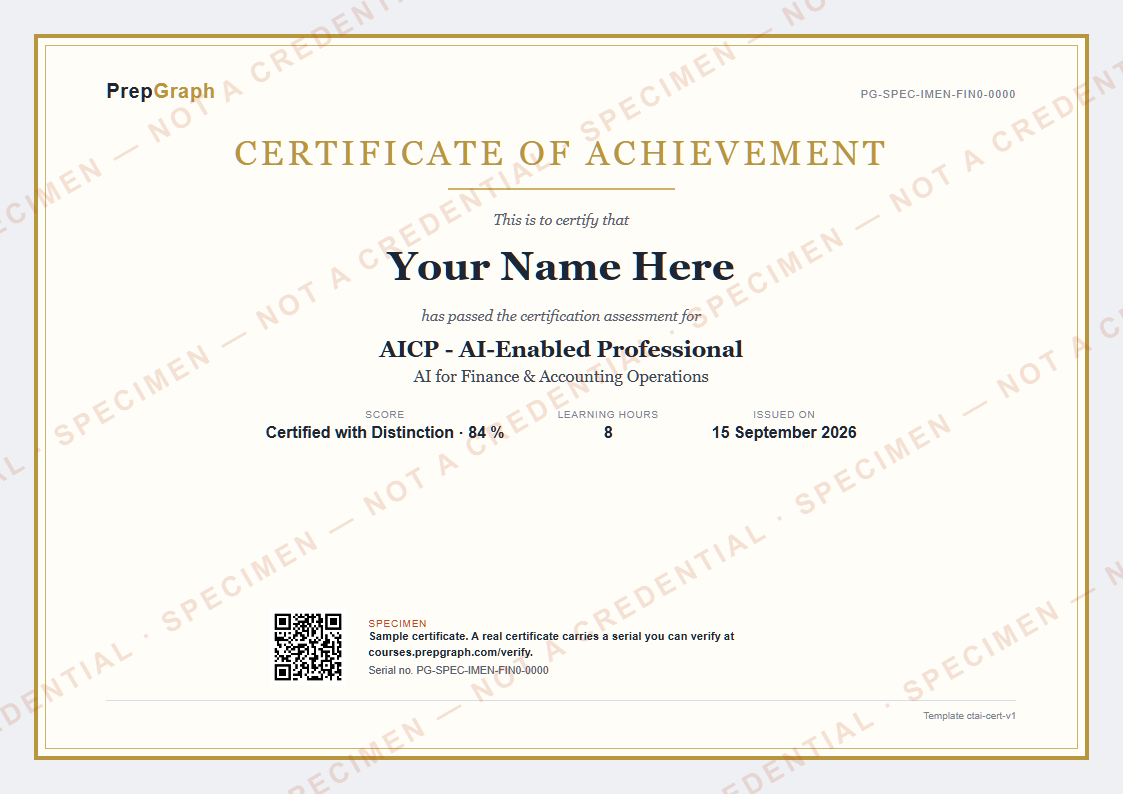
Certified with DistinctionCertifiedNot yet certified
Every evaluation is scored on the same four questions.
Is the deliverable correct, complete and in a form the employer could use unedited?
How many of the seeded defects did the candidate find, and did they document each one?
Was personal or client data redacted before any AI tool saw it, and can the candidate show the substitution?
When the candidate could not verify something, did they escalate, ask, or invent?
Who teaches you
A voice tutor, not a video. It reads the same files you do, points at the exhibit while it talks, and never lets an unverified number through.
Explain, then prove it: when you are stuck the tutor shows the worked step, then asks you to do the next one yourself; when you are close, it asks before it tells.
Every lesson opens on a synthetic client folder - a register, a ledger, a discharge summary - and the tutor talks about the actual cells and lines, circling them as it goes.
A confident, wrong answer is in each lesson on purpose. You find the line that disproves it, say the rule out loud, and the tutor checks that you did.
A figure with no source, a citation it cannot open, a claim it cannot trace: the tutor stops and asks, the way a good senior does.
Built on PrepGraph’s research into how a tutor remembers what each learner has shown. PrepGraph Research
Questions
B.Com / M.Com graduates, CA article assistants, accounts executives
By a voice tutor that reads the same files you do, points at the exhibit on the board, and never lets an unverified number through. Each lesson is about twenty minutes and plants one AI error for you to catch.
A laptop with a browser, a spreadsheet tool such as Excel or Google Sheets, and any chat AI. Every file you work on is synthetic.
A Certificate of Completion when every module is done, and a Certificate of Achievement when you pass the certification assessment (pass mark 60, distinction at 80). Both are verifiable by serial number.
No. It is evidence of supervised AI competence in a named profession. It is not a promise of a job, a placement or a salary.
All learner-facing material is synthetic. No real client ledgers, GSTINs, PANs, resumes, patient charts, MRNs or ABHA addresses appear anywhere.
The practical is a timed sitting on an unseen folder, and the questions after it are answered in writing. There is no camera and no screen recording: your browser reports how long the window was hidden and how many characters you pasted - never what you pasted. Nothing is decided by that timeline. It is kept with your attempt record; no deletion date is set for it, and the privacy page says how to ask for it to be deleted.
Refund terms are shown at checkout before you pay. There is no auto-renewal and no card details are stored.
Related courses
Sales & Marketing
BBA / BA / B.Com graduates into inside sales, digital marketing, e-commerce ops, support
No sales tax applied
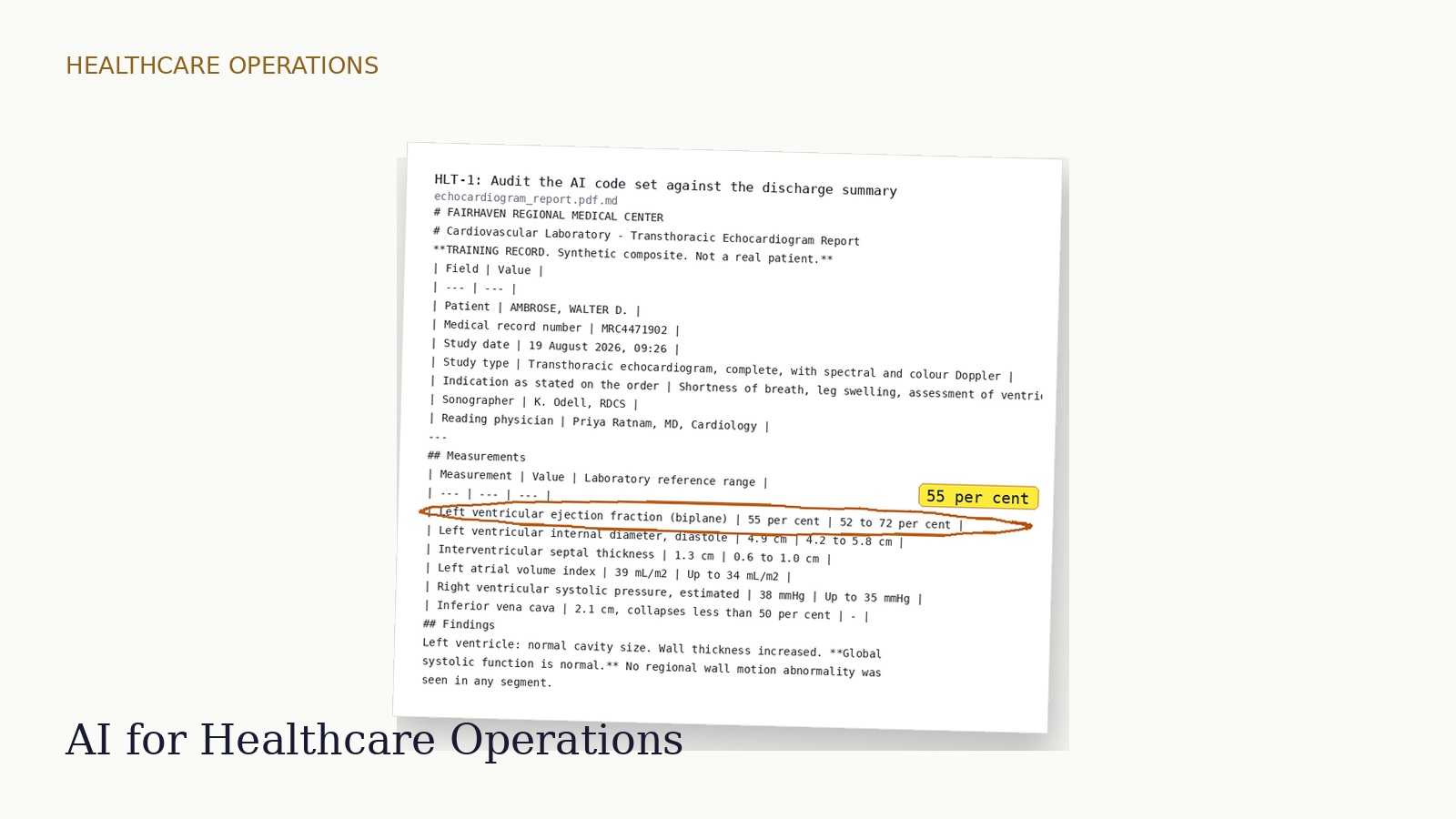
Healthcare Operations
Nursing, pharmacy, B.Sc. MLT and allied-health graduates into coding, RCM, billing, pharmacovigilance
No sales tax applied
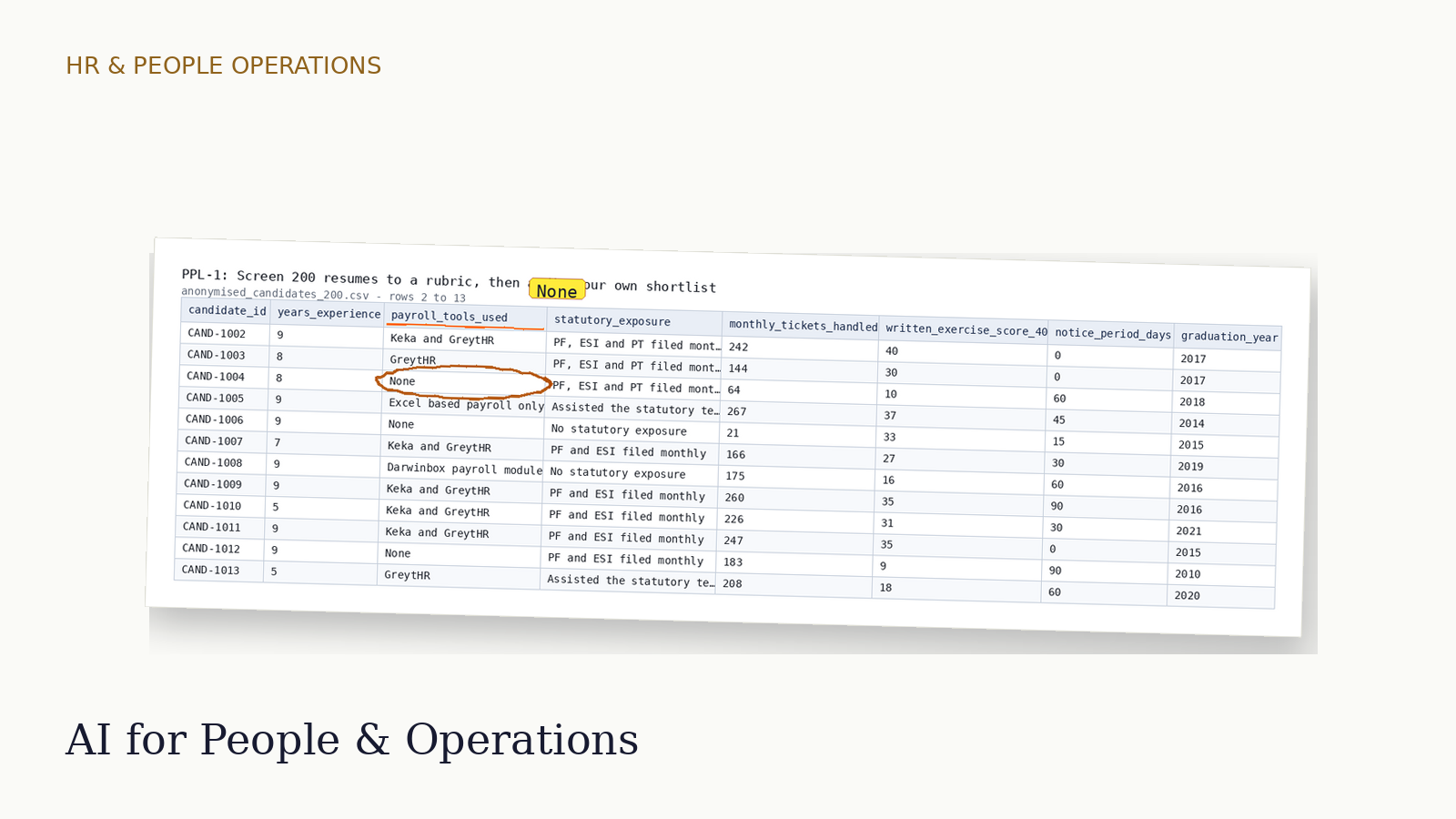
HR & People Operations
MBA-HR and generalist graduates into recruitment coordination, HR ops, payroll, back office
No sales tax applied
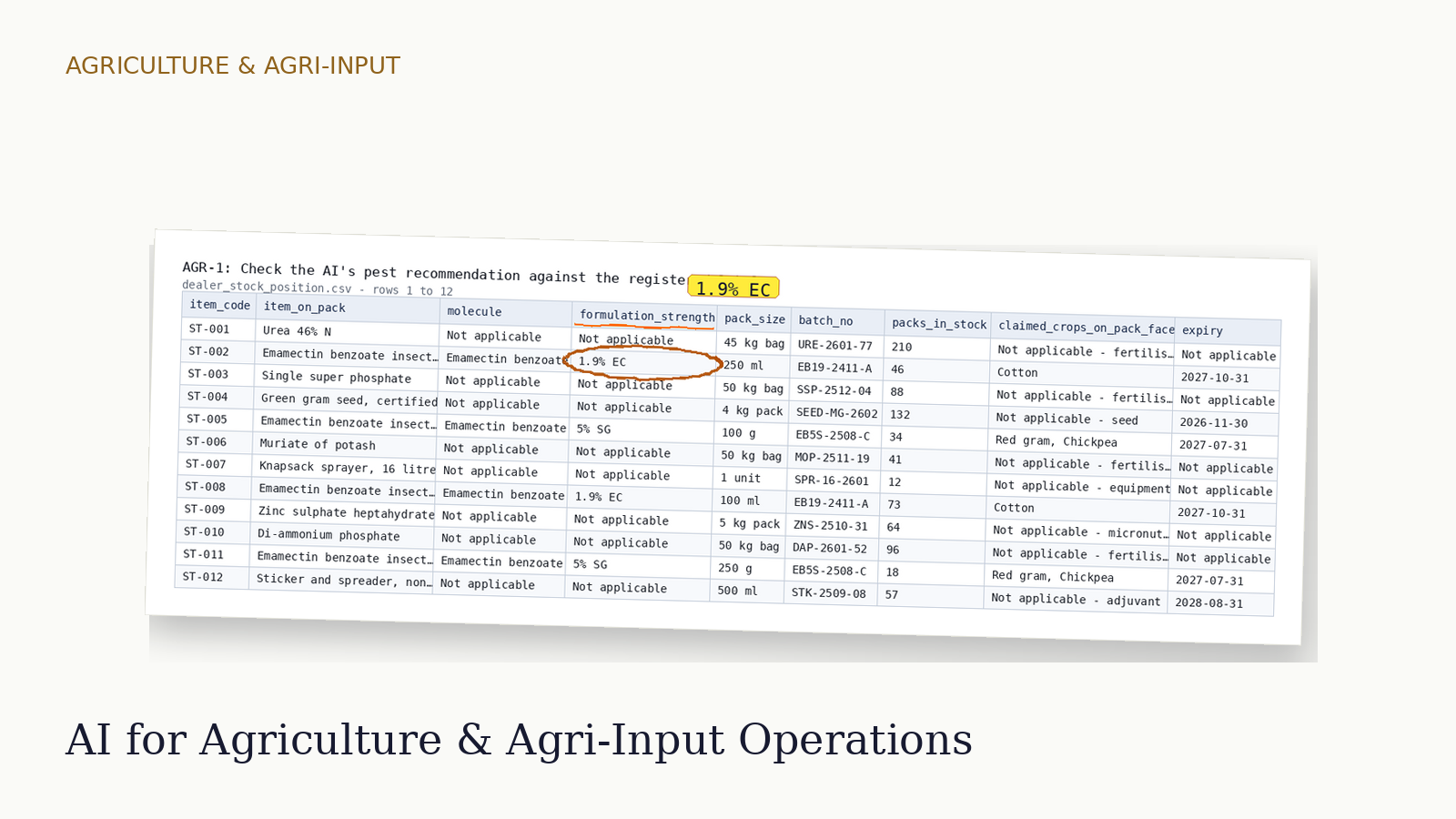
Agriculture & Agri-Input
B.Sc. Agriculture, B.Sc. Horticulture and agricultural engineering graduates from the ICAR and state agricultural university system into agri-input field sales, agritech agronomy advisory, procurement, FPO roles and agri-credit support
No sales tax applied
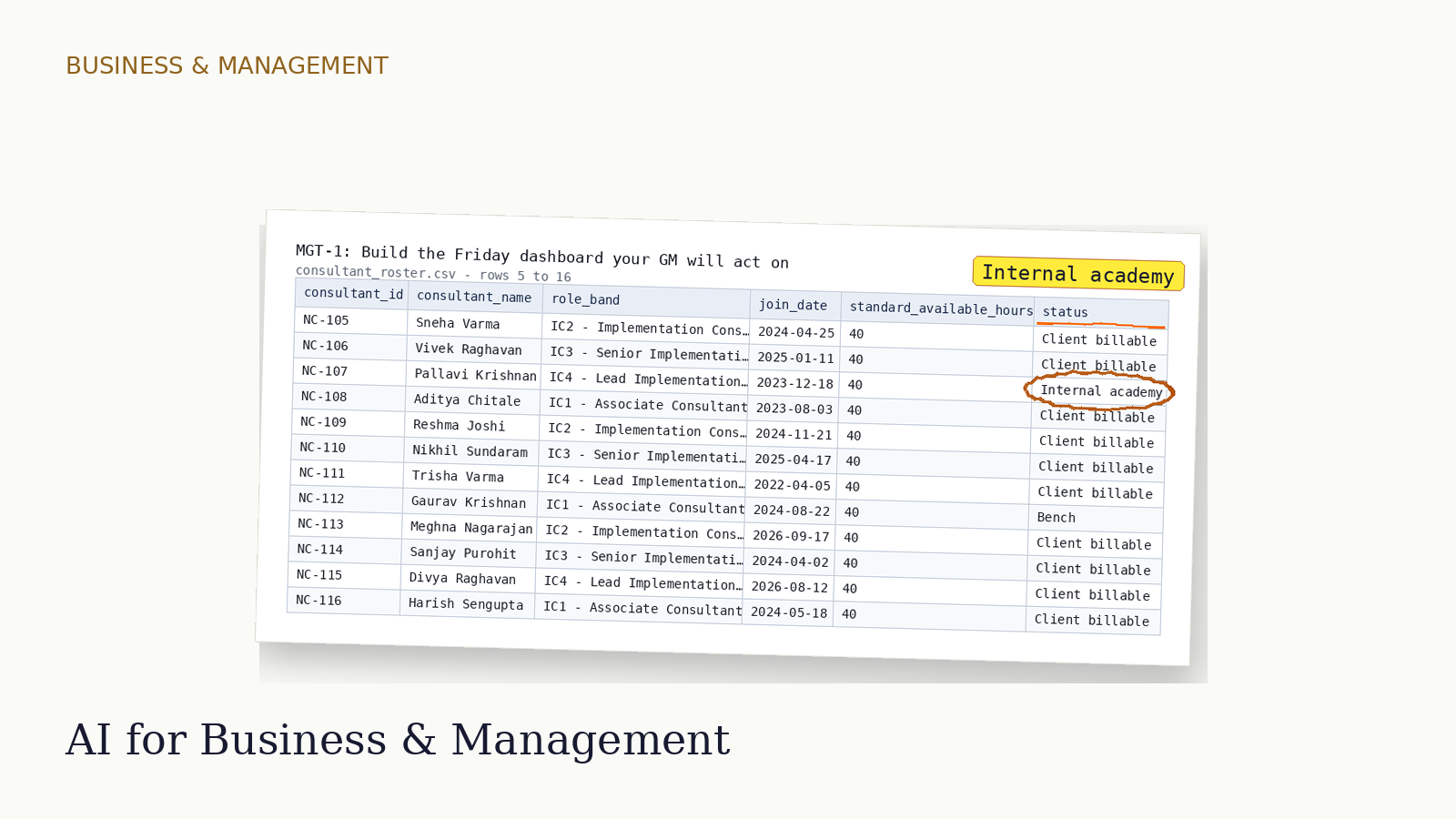
Business & Management
MBA and BBA graduates into management trainee, business analyst, operations coordinator, consulting analyst and founder's office roles - the general-management fresher that the Sales and People tracks do not cover
No sales tax applied
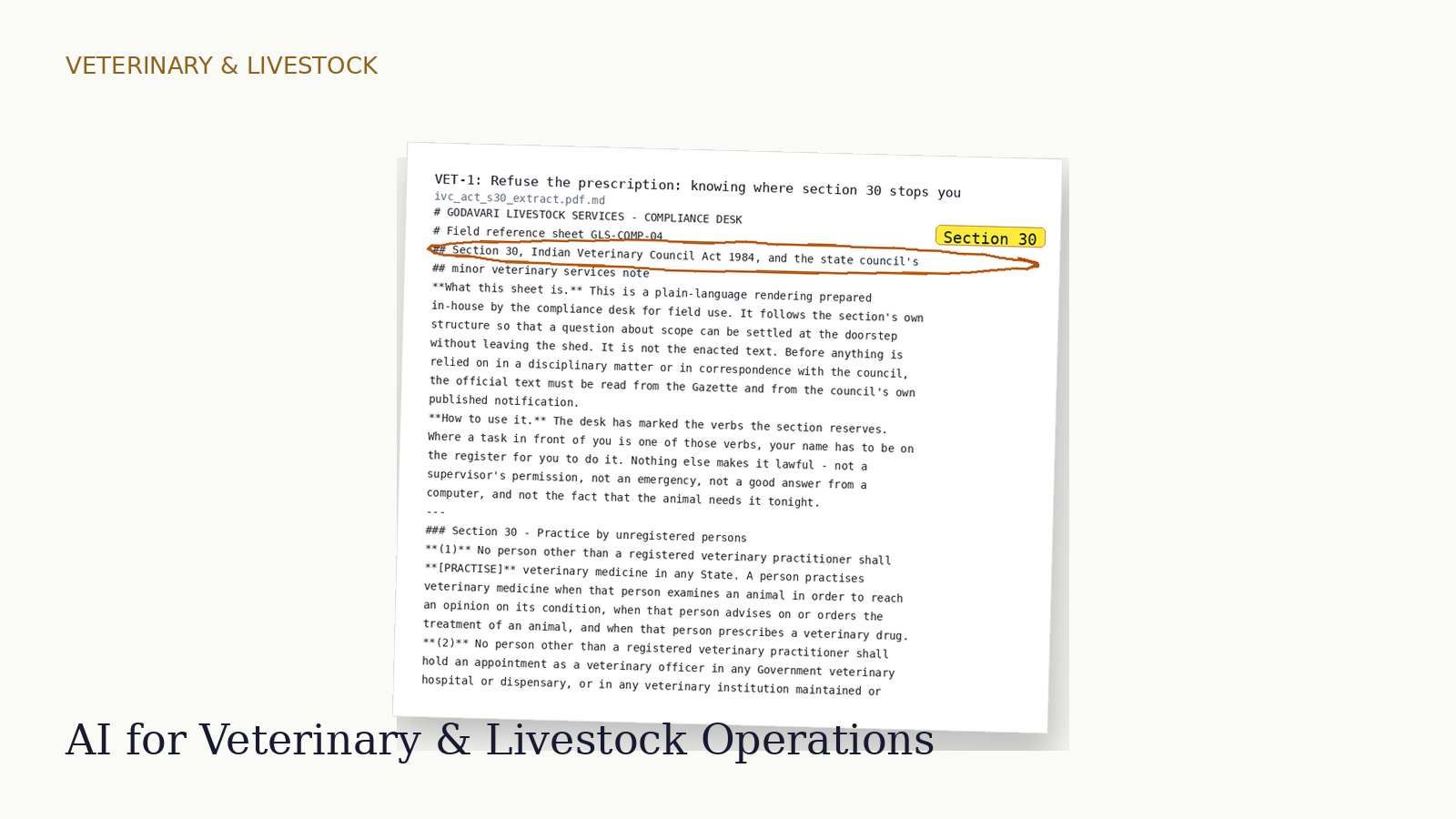
Veterinary & Livestock
B.V.Sc & A.H., B.Sc./M.Sc. Animal Husbandry, dairy technology, poultry science and para-veterinary graduates into animal-health technical sales, dairy cooperative field roles, poultry field service, clinic operations and livestock records
No sales tax applied
All learner-facing material is synthetic. No real client ledgers, GSTINs, PANs, resumes, patient charts, MRNs or ABHA addresses appear anywhere.
The certificate is evidence of supervised AI competence in a named profession. It is not a promise of a job, a placement or a salary.
There is no subscription, no auto-renewal and no card details stored. Your access runs for the term stated on the course page.
The practical is a timed sitting on an unseen folder, and the questions after it are answered in writing. There is no camera and no screen recording: your browser reports how long the window was hidden and how many characters you pasted - never what you pasted. Nothing is decided by that timeline. It is kept with your attempt record; no deletion date is set for it, and the privacy page says how to ask for it to be deleted.